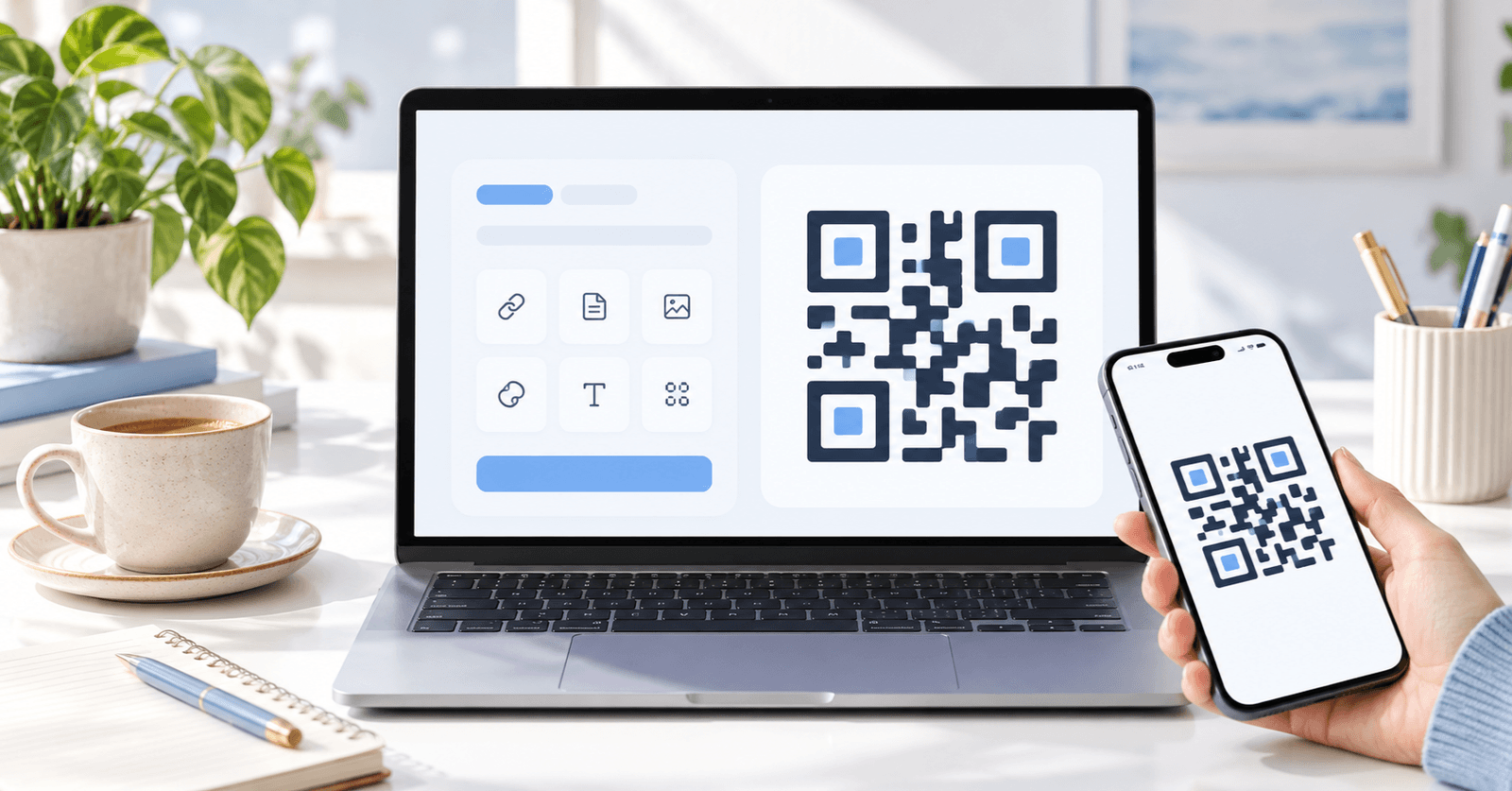

Sharing WiFi access often creates an awkward moment: someone asks for the network name and password, and the password is long, mixed-case, or difficult to read aloud. A WiFi QR code generator can make that process much easier by turning the connection details into a scannable code.
Linkforge includes QR-focused utilities that can support practical sharing workflows. Once a compatible device scans the resulting WiFi QR, the user can often follow the phone's prompts to connect without typing every character of the password manually.
What Is a WiFi QR Code?
A WiFi QR code stores the information a device needs to identify a wireless network. Depending on the device and QR format, this can include the network name, security type, and password.
The key benefit is convenience. Instead of reading a complicated password over the phone, you can display a code on a desk, sign, meeting room screen, event table, or guest area.
When a WiFi QR Code Generator Helps
A WiFi QR code generator can be useful in homes, offices, hotels, cafes, classrooms, clinics, coworking spaces, and events.
For a guest network, for example, a printed WiFi QR code can provide access instructions without forcing every visitor to ask a staff member for credentials. In a small office, the code can be added to onboarding materials so employees can connect to the correct network more easily.
How to Create a WiFi QR Code
- Gather the exact WiFi network name.
- Identify the network security type.
- Enter the WiFi password carefully.
- Generate the WiFi QR.
- Scan and test it before sharing it publicly.
Accuracy matters because one incorrect character can prevent a connection.
QR Code Scanner vs. QR Reader
You may see the terms QR code scanner, QR scanner, and QR reader used almost interchangeably. In practical use, they all refer to software or hardware that interprets QR codes.
Modern smartphones often include QR scanning through the built-in camera application. Dedicated QR reader apps can also recognize codes, but the exact behavior depends on the phone, operating system, and app.
Security Considerations
A WiFi QR code can be convenient, but remember that it can reveal the connection information it contains. Do not place a QR code for a private network in a public location unless that access is intentional.
For shared environments, a guest network is often easier to control than exposing a primary private network. Changing a WiFi password later may also require recreating or replacing printed QR codes that contain the old credentials.
Making WiFi Sharing More Convenient
A WiFi QR code works best when placed where people naturally need it. A small, clear sign near a reception desk, meeting room, guest area, or event registration point can reduce repeated questions.
Frequently Asked Questions
What is a WiFi QR code?
It is a QR code containing wireless network connection information that compatible devices can interpret.
Do phones need a special QR scanner?
Many modern phones can scan QR codes through their built-in camera features, though device behavior varies.
Can I use the same WiFi QR code for multiple guests?
Yes, as long as the underlying network credentials remain the same.
What happens if I change the WiFi password?
A QR code containing the old password may stop working for that network, so a replacement code will usually be needed.
Create a WiFi QR for Easier Access
Typing WiFi credentials is one of those small tasks that can become frustrating when repeated. A WiFi QR code generator offers a simpler way to share network access, while a QR code scanner or QR reader gives guests a quick route to decode the information. Linkforge provides a convenient online starting point for creating and working with QR codes.