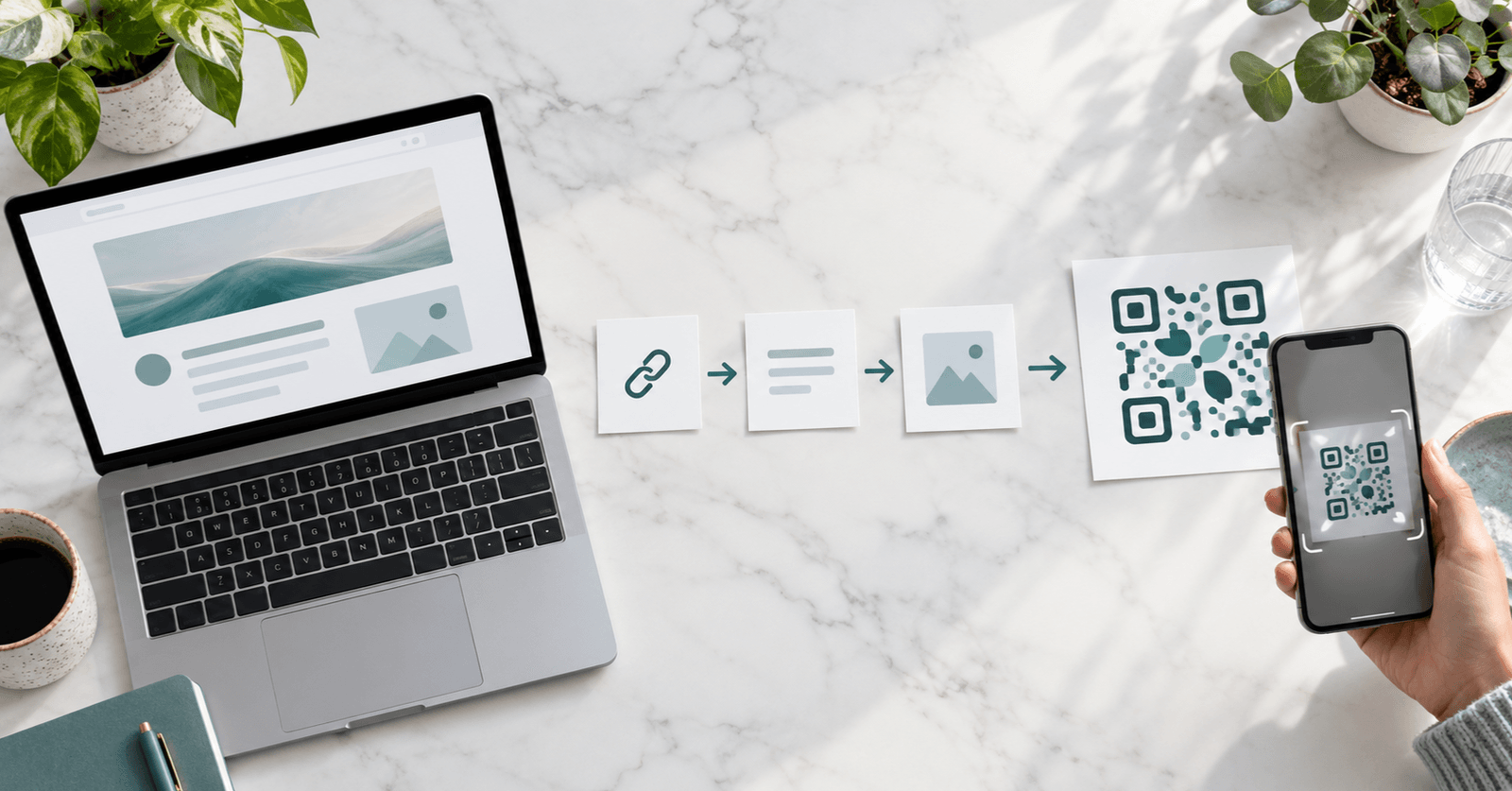

A modern link workflow often involves more than one task. You may need to shorten a long address, inspect or encode URL parameters, generate a QR code, and then test the finished result on a phone. Using separate websites for every step can make the process unnecessarily slow. A combined toolset can make these common jobs easier to manage.
Linkforge brings URL and QR utilities together, making it useful for people who want a practical QR generator and related link tools in one place.
Start With the URL
Everything begins with the destination. Whether you are linking to a product page, booking form, article, event registration page, or social profile, confirm that the URL works before doing anything else.
Long URLs can be difficult to print or share. A URL-shortening workflow can make a link easier to handle, especially for promotional materials where visual simplicity matters. Once the destination is stable, you can move to encoding, decoding, or QR creation as needed.
What Is a URL Encoder?
A URL encoder prepares characters for use in a URL by converting characters that may have special meanings into encoded representations.
This becomes more relevant when your link includes query parameters, spaces, symbols, or values created dynamically. Encoding correctly helps keep the URL structurally valid.
What Is a URL Decoder?
A URL decoder performs the reverse task. If you encounter a URL containing encoded values, decoding can make those values easier to inspect.
For marketers and developers, that can help when checking campaign links, troubleshooting parameters, or verifying how a destination was constructed.
Turn the Final Link Into a QR Code
Once your link is ready, use a QR code generator or free QR code generator to turn it into a scannable image.
This is especially useful for physical marketing. A brochure does not have to print a long address if a reader can scan a square code and reach the same page instantly.
Test With a QR Scanner
Before publishing anything, test the code with a QR scanner. A phone's built-in camera may act as a QR reader, but you should always verify the result on the kind of device your audience is likely to use.
Why One Workflow Is Better
Combining these steps reduces the chances of accidental mismatches. A better workflow is to finalize the link, review the URL, generate the QR code, and then test the exact final asset.
Practical Uses for Link and QR Tools
Small businesses can place QR codes on printed promotions. Event teams can connect signs to registration pages. Content creators can link physical cards to online content. Retailers can connect products to instructions or support pages. Service providers can put scannable codes on appointment cards or invoices.
Frequently Asked Questions
What is a QR generator?
A QR generator creates a scannable QR graphic from supported information such as a URL.
What is the difference between a QR scanner and QR reader?
In everyday use, a QR scanner and QR reader often describe the same basic function: reading a QR code and interpreting its content.
Why would I use a URL encoder?
Use a URL encoder when certain characters in a URL need to be represented safely.
When would I use a URL decoder?
A decoder helps turn encoded URL data back into a more readable representation.
Build Your Link Workflow With Linkforge
A good link workflow does not need to be complicated. Finalize the destination, use URL tools when necessary, create the QR code, and test the result with a phone. Linkforge brings these practical functions together so you can move from link preparation to QR sharing with fewer steps.